Pipeline and deals
See what's closing, at a glance
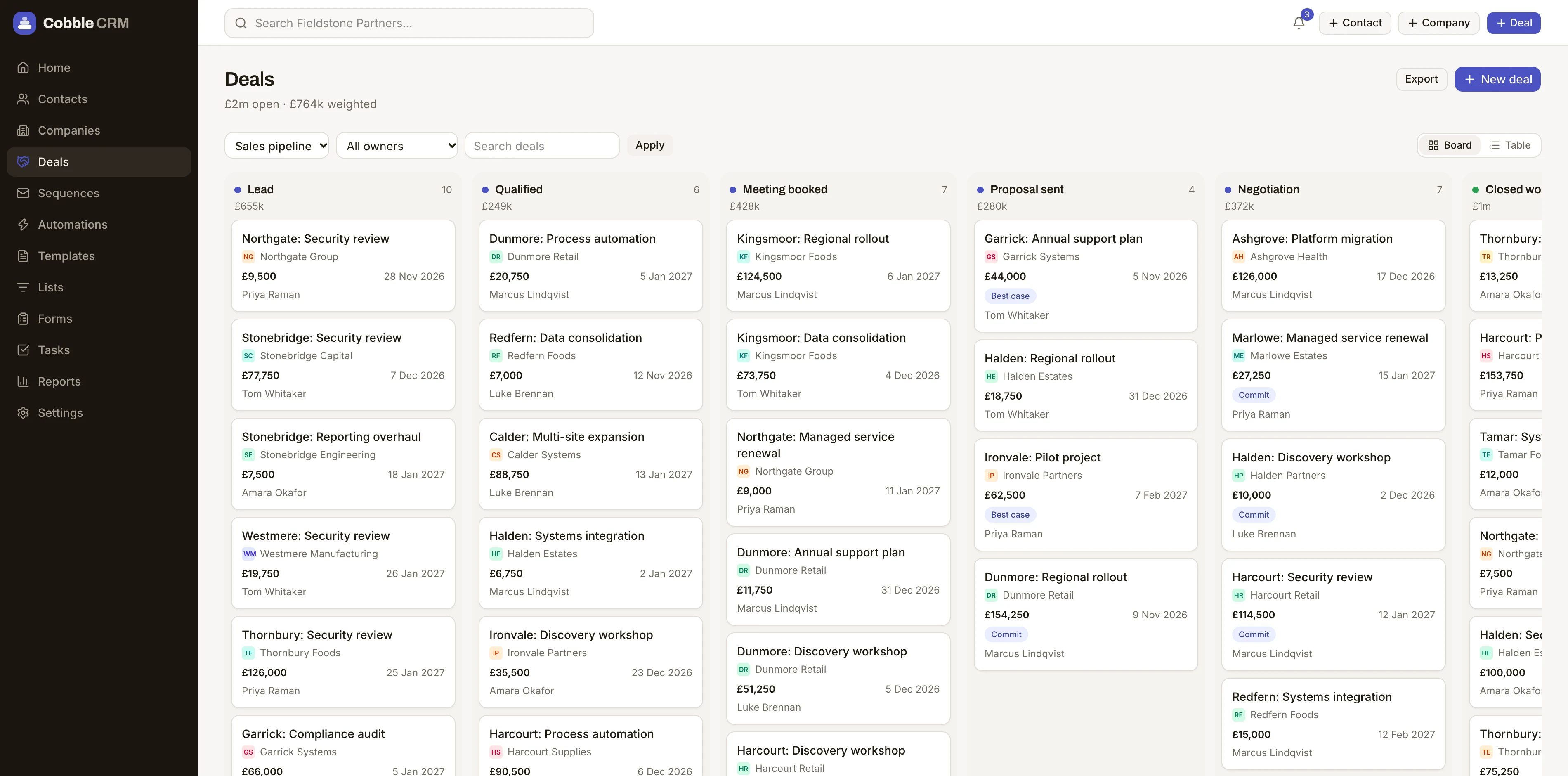
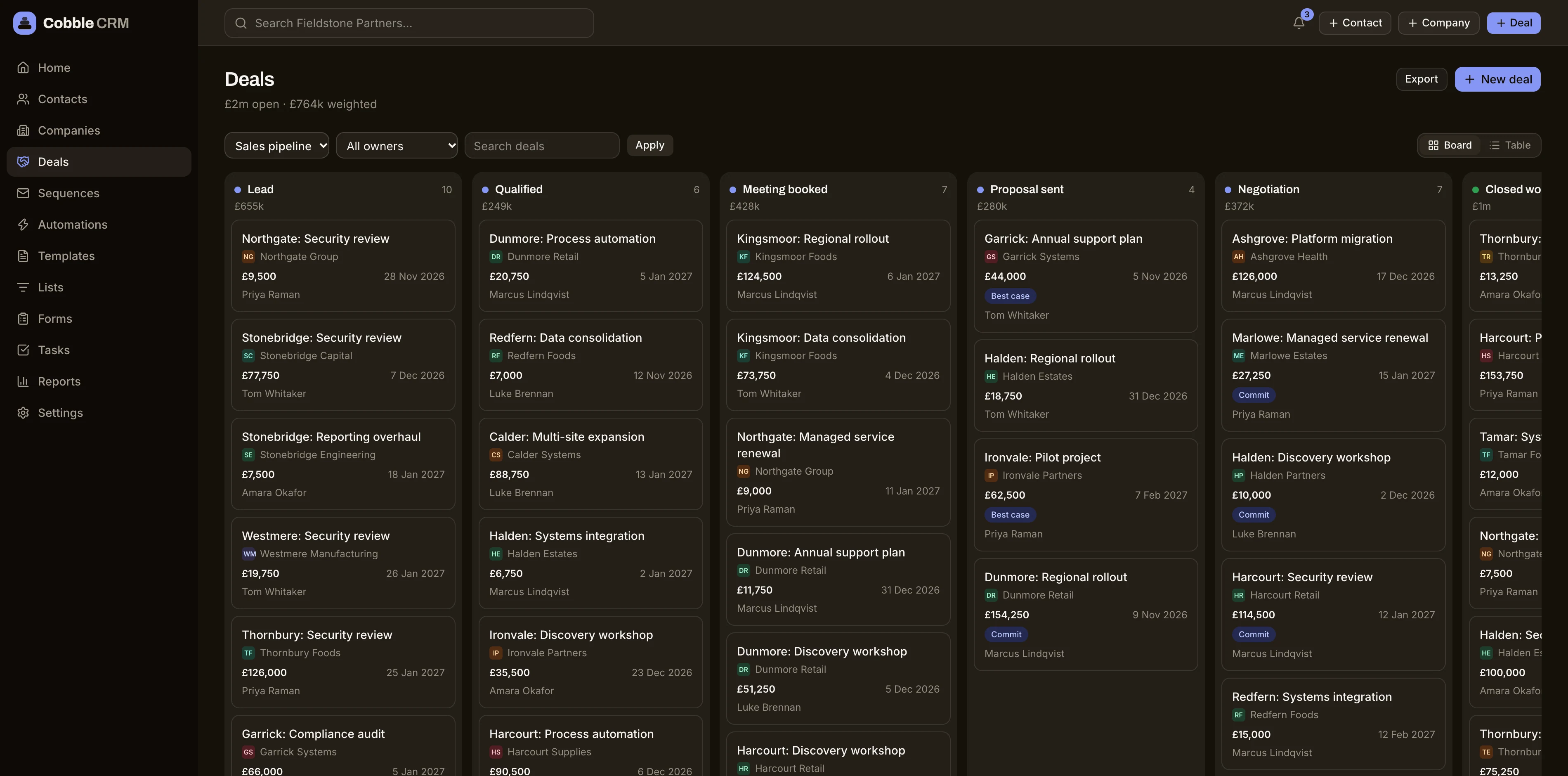
Drag deals through stages you define, set the probability that suits your process, and watch the forecast move as you do. Every card tells you who, how much and when.
Pipelines that fit your process
Create as many pipelines as you need, each with its own stages, win probabilities and rotting rules.
Drag, drop, done
Move a deal between stages in one gesture. Won and lost reasons are captured so your reports mean something.
Totals that stay honest
Each column shows deal count and value, and a weighted forecast uses your own probabilities.
Filters for every question
Show only your deals, your team's deals or the whole company, depending on what your role allows.
Every deal has the full story
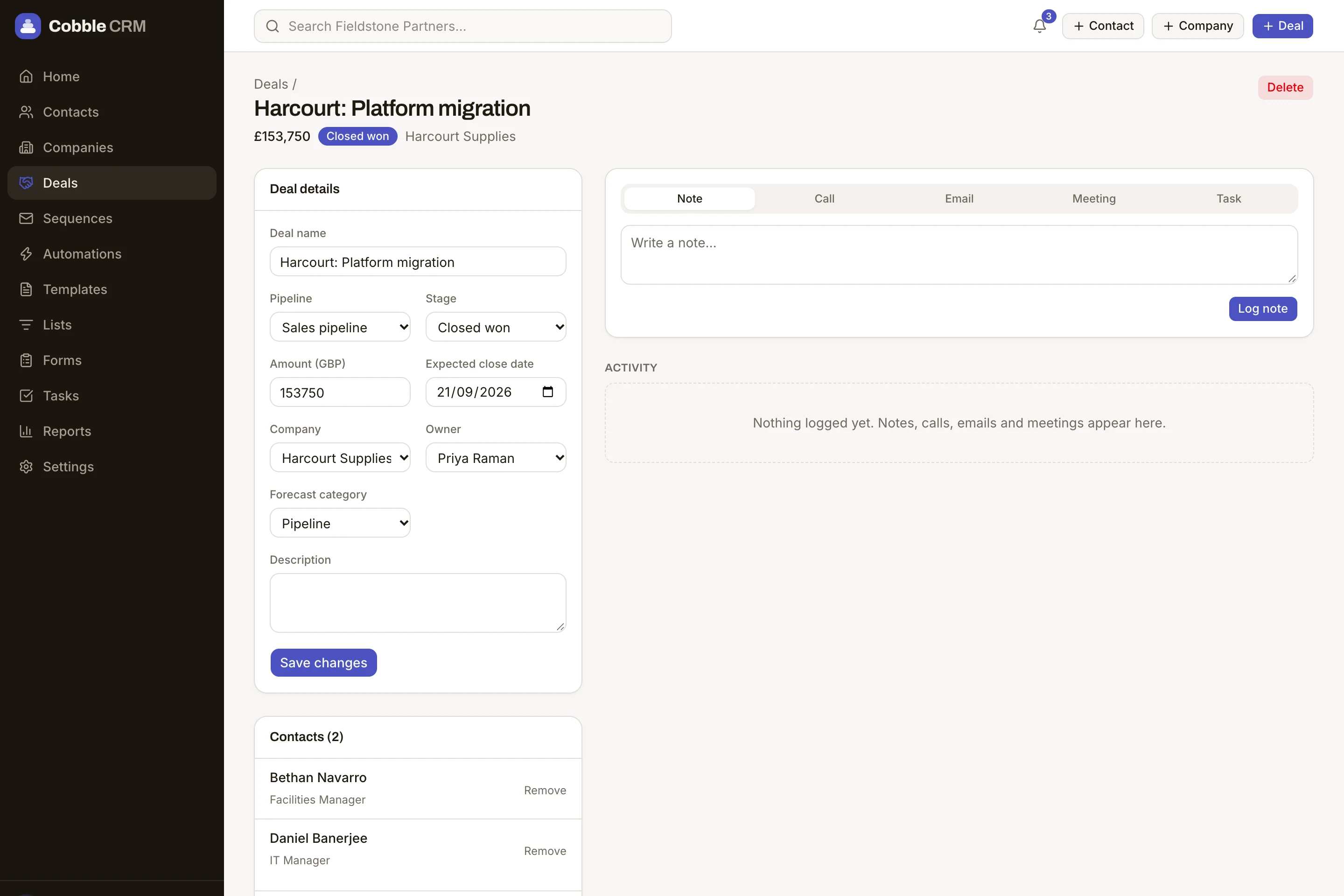
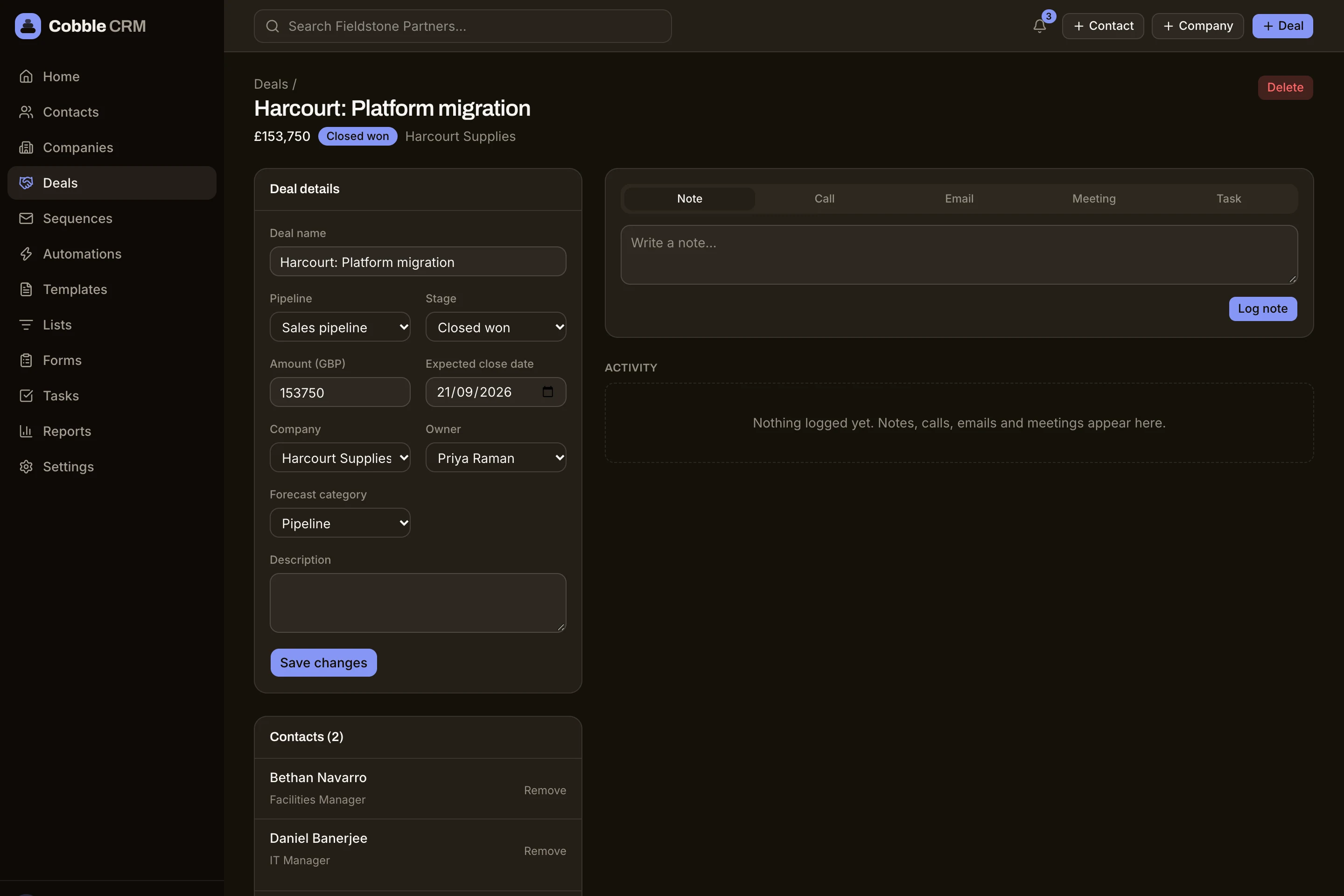
Open a deal and see the contacts involved, the emails sent, the calls logged and the task that is due next, all on one timeline.
- Multiple pipelines with custom stages
- Weighted and unweighted totals
- Won and lost reasons
- Owner, close date and amount on every card
Questions
Can I have more than one pipeline?
Yes. Create a pipeline for each way you sell, such as new business, renewals or partnerships, and give each its own stages.
Can I change stages later?
Yes. Rename, reorder or add stages at any time. Deals in a stage you remove can be moved to another stage first.
Start free. Be selling in minutes.
Try Cobble with your real pipeline for 14 days. No credit card, no setup call, no pressure.